
How Do You Build an User-Friendly AI Chatbot? 4 Key Design Decisions Behind Kotae
Blogs
Trang / Product Designer
•
Key Takeaways
Most chatbots feel frustrating to use because they're built around the company's convenience, not the customer's
Kotae's usability was designed around four things: setup, human handoff, personality, and analytics
The feature we prioritized most was making the handoff to a human simple and accessible
Since joining the Kotae team, one question has stuck with me.
"Many businesses struggle to keep up with customer inquiries. So why does support software feel exhausting to use, on top of that?"
That question shaped nearly every design decision we made. Here's how we built Kotae, and why I think it's the support tool small businesses have been waiting for.
The problem we kept seeing
Before we drew a single wireframe, we talked to dozens of small business owners. Shop owners running things solo. Founders who started their company alone. People managing operations at fast-moving startups. The pattern was always the same.
Customer questions show up at 11pm, on weekends, or right in the middle of a product launch. In other words, exactly when nobody is around to answer. Most existing chatbots are either too technical to set up or they give generic, lifeless answers that end up frustrating customers even more.
We didn't want to build "just another chatbot." We wanted to build something that felt less like a wall between the business and its customers and more like an extra teammate you could actually rely on.
Decision #1: We cut setup into just 3 steps
In our early prototypes, every settings screen led to another settings screen. Training data sources, tone adjustments, escalation rules, integration toggles. It was powerful, sure, but honestly exhausting. We heard the same feedback over and over in user testing.
"Business owners don't have time to become chatbot administrators."
So we cut it all the way down to three steps.
Train: just load in your website and files
Match your brand: lightly adjust tone, personality, and look
Publish: one click, live on your site
Everything else, like analytics, deeper customization, and integrations, was designed as optional depth you can explore later. You can go as deep as you want. But you don't have to, in order to launch. That mattered a lot to us.
Decision #2: We built the handoff to a human as a feature
This is the part I care about most.
A chatbot that acts like it can answer everything loses your trust the moment it gets something wrong. That's why we designed Kotae's escalation flow around one idea: being able to say "let me get someone for you" isn't a weakness. It's a feature.
We spent real time on the small details. The wording of the handoff message. How quickly the alert reach the business owner? Making sure the conversation's context carries over so nothing gets lost. These sound like small things, but in testing, this one piece was often what made business owners feel comfortable enough to actually publish the bot live.
Decision #3: We made personality a dial, not a fixed setting
One thing we heard constantly from early users:
"I don't want my chatbot to sound like a chatbot."
That makes sense. Every brand has its own voice. So instead of giving Kotae one fixed personality, we built tone, role, and language into adjustable controls. A boutique skincare brand and a B2B SaaS company can both use Kotae and still sound completely different from each other.
Decision #4: Analytics should feel like a gift, not a report
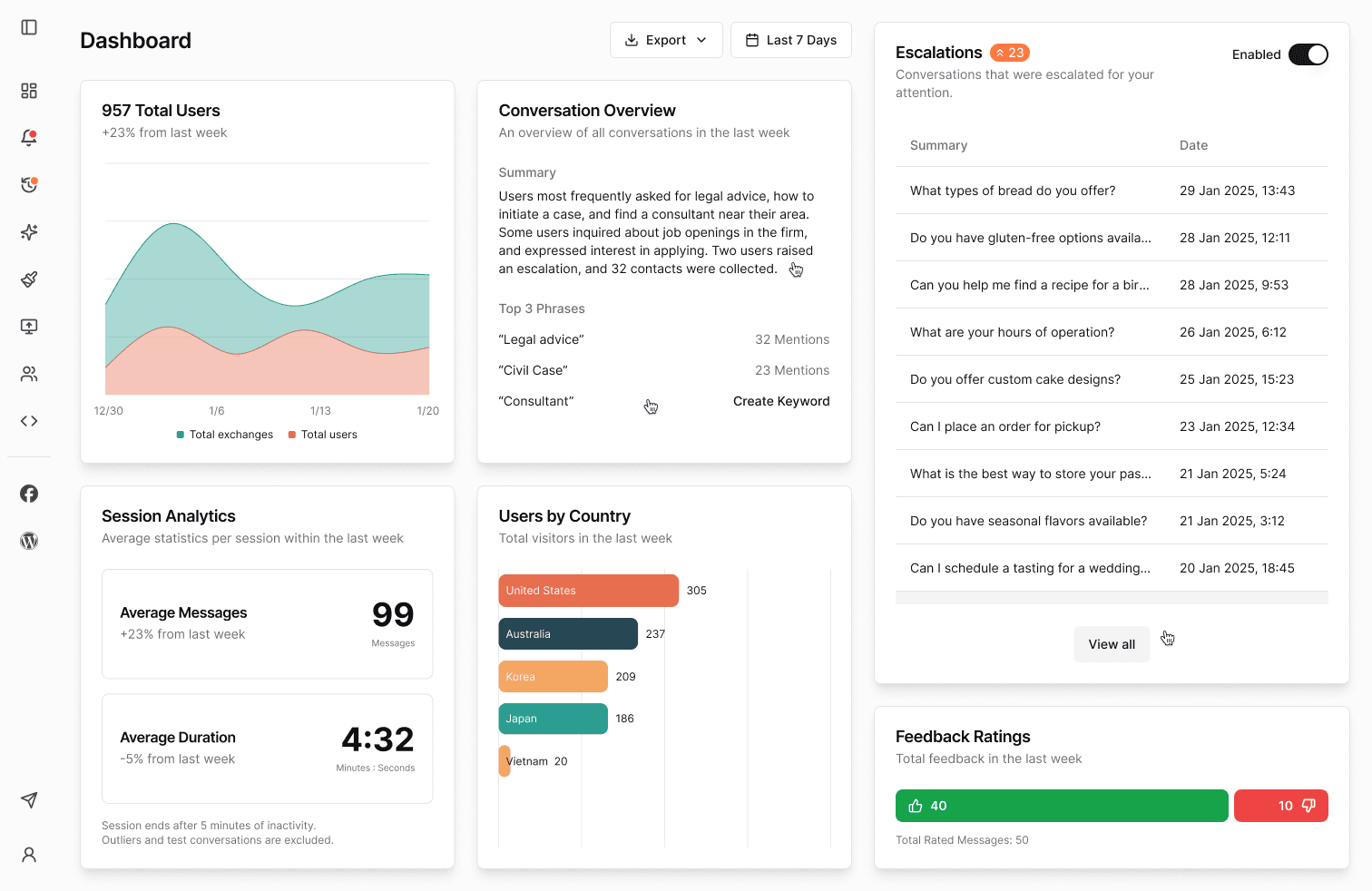
Honestly, we almost cut analytics from the scope entirely. Internally, people kept asking, "Are we overbuilding this?"
Then early testers started telling us things like, "I had no idea customers were asking about this." That reaction told us this wasn't a nice-to-have. It was necessary. So instead of building a dashboard you have to dig through, we designed something simple: a clear view of what customers are actually asking, at a glance.
What makes Kotae different from other AI chatbots?
Most chatbots try to answer every question, even when they don't actually know the answer. That often leads to confident-sounding but wrong replies, which can damage a customer's trust. Many also require a lot of setup before they're ready to go live.
Kotae takes a different approach on both fronts. When it doesn't know an answer, it hands the conversation off to a person instead of guessing. And instead of asking for heavy setup upfront, it's designed to go live in just 3 steps. These are specific, deliberate differences we chose based on watching how the product actually gets used.
Curious about Kotae?
Want to see how Kotae was designed or how it could work for your team? Get in touch, or try it at kotae.ai .
People Also Read

How to Test Your AI Chatbot for More Reliable Answers
How can an AI chatbot give reliable answers every time? See how Kotae tests its chatbot with LangSmith.

Why Do Guest Room Extension Calls Keep Interrupting Your Front Desk Team?
Constant guest room calls disrupt front desk work. Learn how QR code chat support lets guests self-serve so your team can star focused.
The Day Our Chatbot Got Smarter and Scored Worse
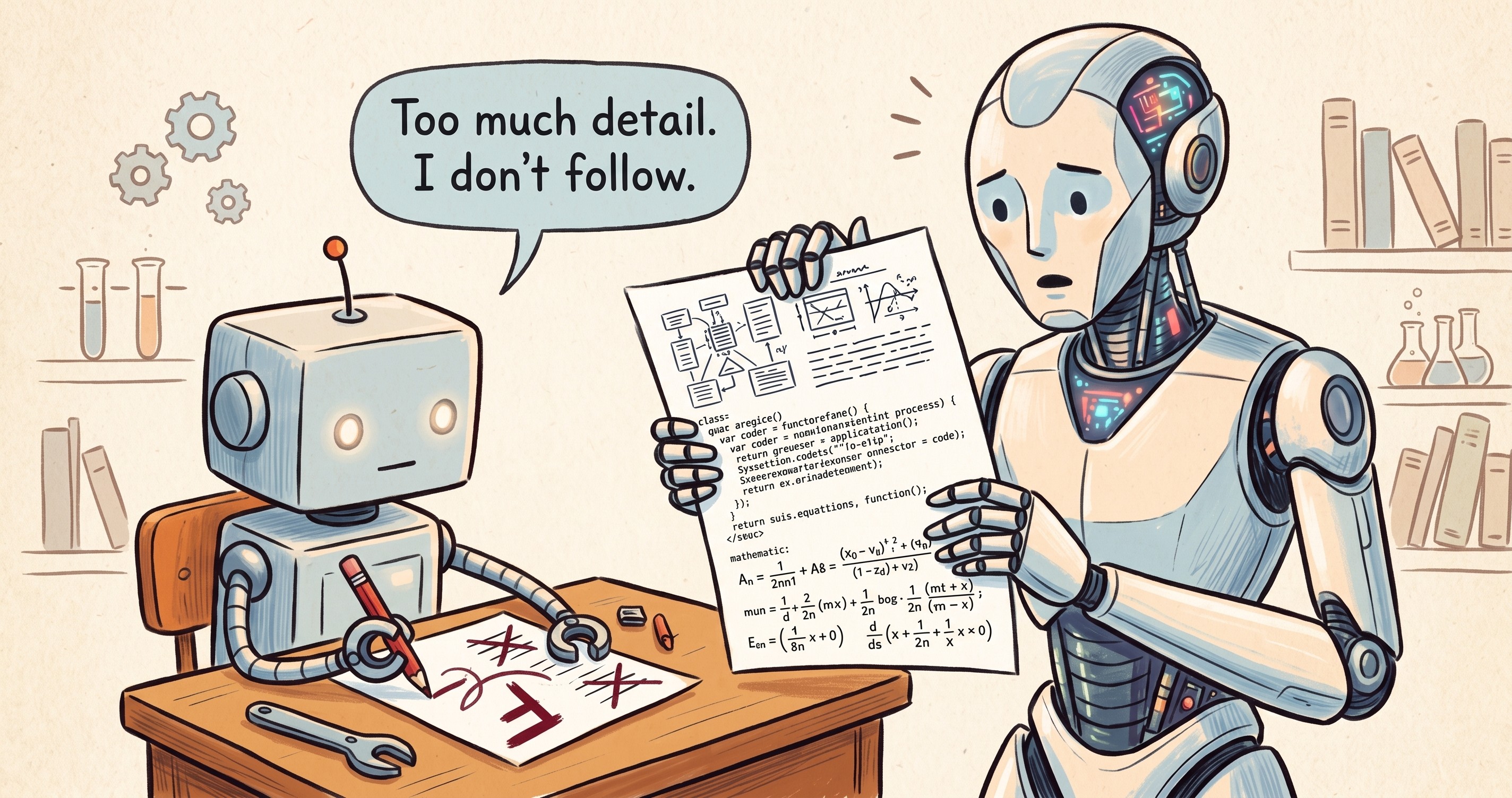
The cause was the AI doing the grading. From writing questions that test accuracy to how to ask an AI to grade, here is a checklist you can use today.
How Do You Build an User-Friendly AI Chatbot? 4 Key Design Decisions Behind Kotae
Discover how Kotae's designer built a human-centric AI chatbot around 4 key design choices