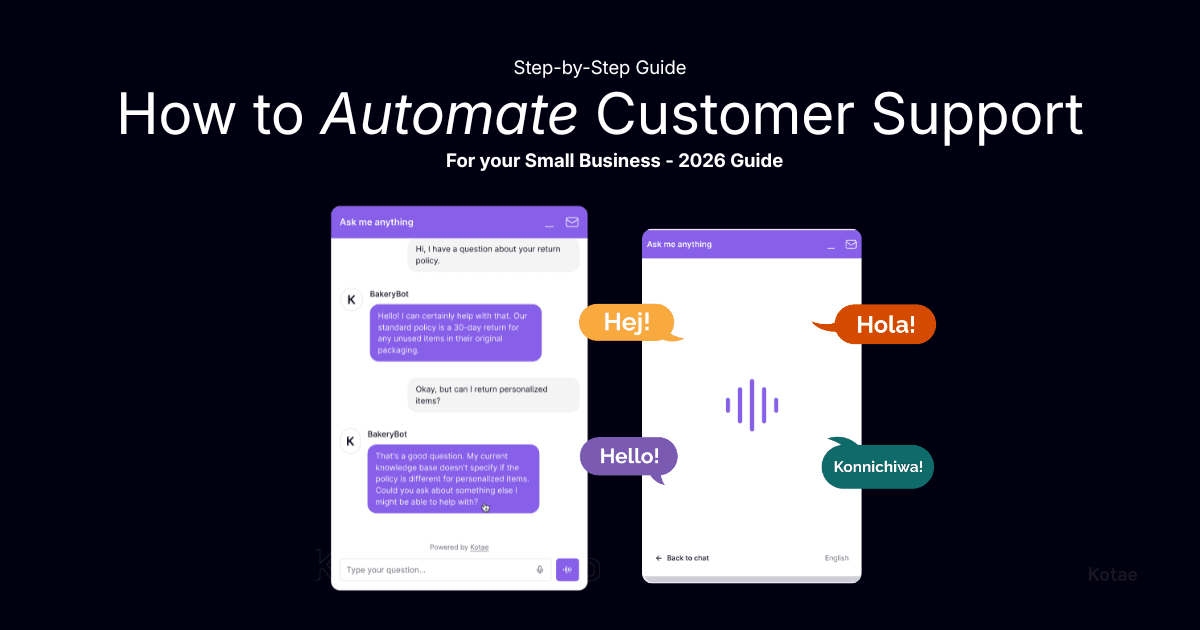
Quick answer: Customer support automation means using an AI chatbot to handle routine customer questions automatically, around the clock. To set it up: audit your most common questions, choose a tool that trains on your own content, configure escalation paths, and go live. Most small businesses complete this in under an hour and see measurable results within 30 to 60 days.
If You've Been Thinking About Using AI Chatbots for Your Business, This Guide Is for You
You're in the middle of something important and your phone buzzes. "What are your opening hours?" You've answered this one a hundred times. You type it out, move on, and two minutes later another one arrives. By the time you've cleared the queue, you've lost an hour you weren't planning to lose.
This is one of the most common time drains for small business owners. Customer support automation is how you fix it, without hiring extra staff, without complicated software, and without a technical background. If you've looked into AI chatbots before and found them too complex or too expensive, things have changed. This guide breaks it down step by step.
So What Actually Is Customer Support Automation?
It's when an AI tool handles incoming customer questions on your behalf, no manual response needed. A customer asks something, the system understands what they mean, and replies instantly. Day or night, weekday or weekend.
Think of it as a team member who has read everything you've ever written about your business. Your website, your FAQs, your policies. Always available, never tired, same accurate answer every time. And when something's too complex for the chatbot to handle, it doesn't fumble. It collects the customer's contact details and flags it for you. Clean handoff, nothing dropped.
Why does it matter right now?
Over 64% of consumers say the best thing about chatbots is 24/7 availability. Your customers don't only have questions during working hours. If someone can't get an answer, there's a good chance they move on. Small businesses save an average of 8 to 12 hours per week on queries alone, and report saving up to 30% on overall support costs. You don't need a developer or weeks of setup time. Here's exactly how to do it.
Start Here: What Should You Actually Automate?
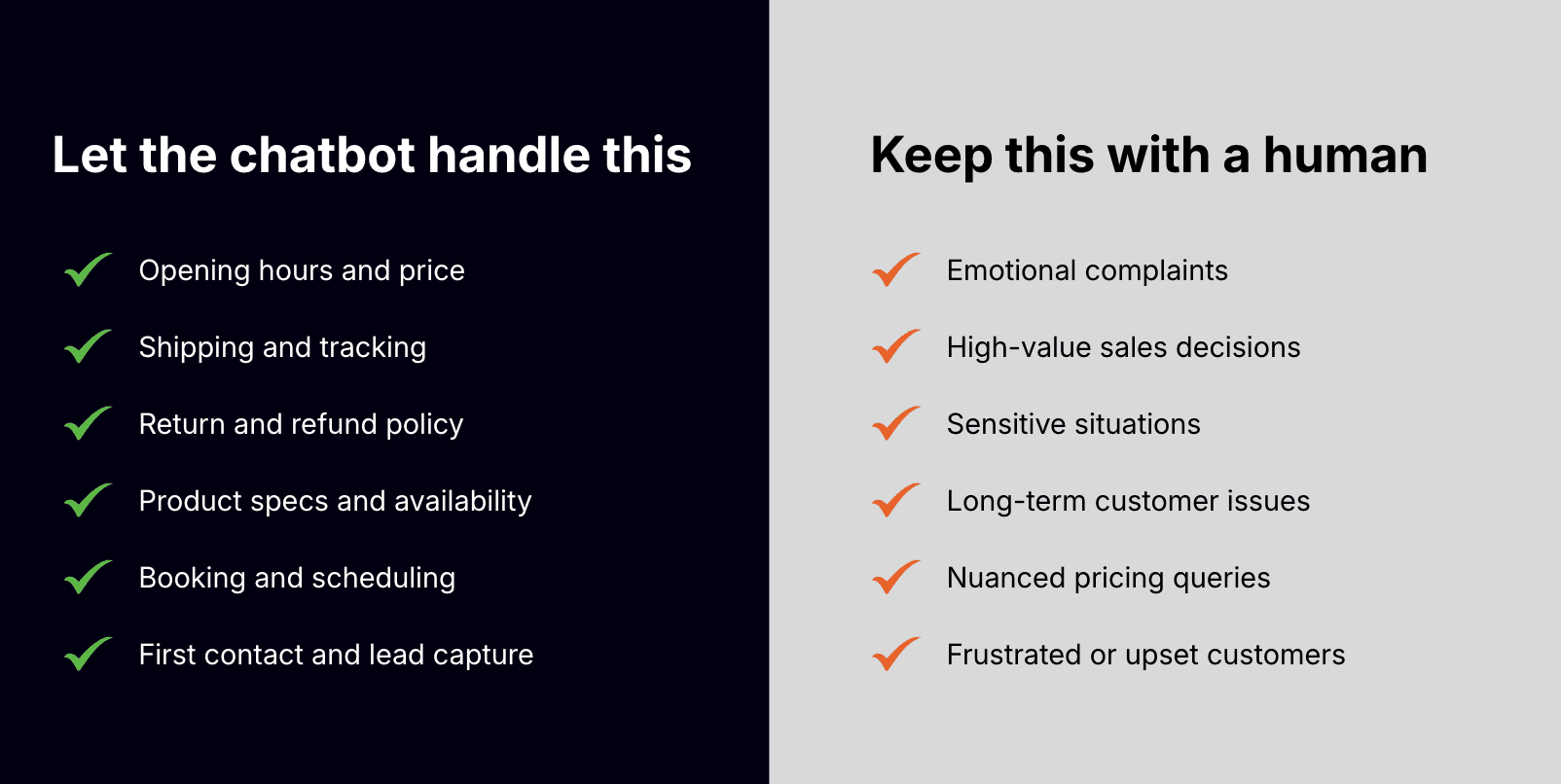
Not everything, and that's an important distinction. The sweet spot is questions that eat up your time but don't need your personal judgment. Things like:
Opening hours, location, and contact details
Shipping timelines and return policies
Product availability and basic specs
Appointment booking guidance
Lead qualification and contact collection
Well-trained chatbots handle 40 to 70% of support tickets without a human ever getting involved. For a small business handling 200 queries a month, that's up to 140 conversations handled automatically. Emotional complaints and high-value sales conversations? Keep those with you.
How to Automate Customer Support: 5 Steps
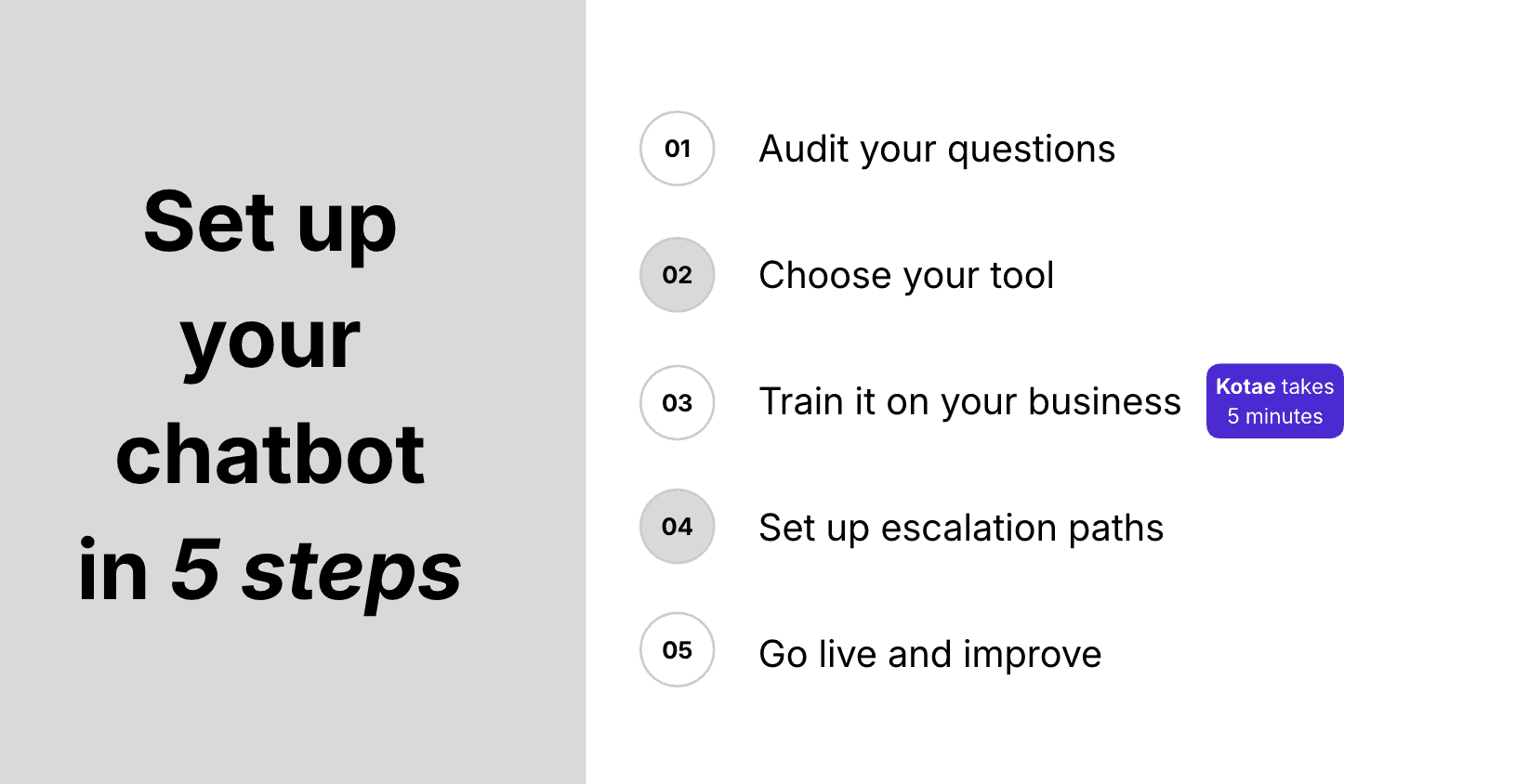
Step 1. Figure out what your customers actually ask
Look back at the last 30 to 60 days of support conversations across your inbox, chat history, and social DMs. Write down the 20 to 30 questions that come up most often. These become your chatbot's knowledge base.
92% of consumers say they would use an online knowledge base for self-support if it were available, and 70% of customers expect a company's website to include some form of self-service portal or FAQ section. Your chatbot is that self-service layer.
Step 2. Choose customer support automation tool that fits how you work
For a small business, you need something genuinely simple, not a tool built for enterprise teams with IT departments. Look for these five things in any customer support automation software:
Trains on your actual content: your website, FAQs, and documents, not generic internet data
No-code setup: no developer needed to launch or maintain it
Flat, predictable pricing: no per-message or per-resolution surprises
Built-in lead capture: collects contact details from visitors automatically
Multilingual by default: responds in the customer's language without extra configuration
Step 3. Train it on your business
Point the tool at your website URL or upload your documents. The AI reads your product pages, FAQs, and policies and builds a knowledge base from them. Modern AI chatbots achieve 92% accuracy in understanding customer intent, even when questions are phrased in unexpected ways. Start with your most important content and let real conversations show you where to improve.
Step 4. Set up how it hands off to a real person
Don't skip this step. 89% of customers say businesses should always offer access to a human, and 73% would take their business elsewhere if AI was the only option. Good customer service and support automation means the chatbot handles routine queries and, when something's too complex or a customer seems frustrated, it collects their details and notifies you directly. Nobody hits a dead end.
Step 5. Go live and improve as you go
Once the chatbot is live, check the conversation logs in the first two weeks. Look for questions the bot could not answer, and add those to its knowledge base. This is the fastest way to improve accuracy.
Most small businesses see measurable results within 30 to 60 days. Full ROI realization of 200 to 500% typically happens within six months.
What Not to Automate
Automation works best when you are clear about its limits.
Do not automate emotional complaints. When a customer is frustrated or upset, they need to feel heard by a person. A chatbot that responds to an angry complaint with a FAQ link makes things worse.
Do not automate high-value sales decisions. If a customer is close to making a large purchase and has specific concerns, that conversation is worth a human's time.
Do not try to automate everything at once. Start with the five highest-volume query categories.
What Kind of Results Can You Expect?
Time back: 8 to 12 hours per week saved on customer queries for the average small business.
Cost reduction: Automated customer support handles interactions at around $0.50 each versus $6.00 for a human agent. Most businesses see 20 to 30% lower support costs once they're set up.
More leads: Websites with chatbots see an average 23% increase in conversion rates, with chatbot conversations converting 2.4 times more visitors than a standard contact form.
ROI: Businesses report an average of $3.50 back for every $1 invested in customer support automation, with some reaching 8x.
How Kotae Fits Into All of This
If you're evaluating a customer support automation tool for your small business, here's how Kotae maps to each step above.
Step 1 (Audit): Kotae's analytics dashboard shows which questions arrive most often, so you know where to focus first.
Step 2 (Choose a tool): No-code from day one. Flat pricing. Built-in lead capture. 80+ languages automatically. No developer needed, ever.
Step 3 (Train it): Drop in your website URL or upload your documents. Kotae is live in under 10 minutes.
Step 4 (Escalation): Built-in handoff to your team. When the chatbot reaches its limit, it collects contact details and alerts you directly.
Step 5 (Go live and monitor): Copy your embed code from the Publish section and paste it into your site header. The chatbot goes live instantly, and full conversation logs let you keep improving.
Kotae handles up to 80% of routine inquiries automatically, captures leads around the clock, and requires zero technical knowledge to set up or maintain.
Frequently Asked Questions
What is customer support automation?
How do I automate customer support for my small business?
What percentage of customer queries can I automate?
How long does it take to set up automated customer support?
Will it hurt customer satisfaction?
How much can a small business actually save?
Ready to give it a go? Start free at kotae.ai. Train your chatbot on your content and go live in under 10 minutes. No credit card. No developer. No stress.
People Also Read

How to Test Your AI Chatbot for More Reliable Answers
How can an AI chatbot give reliable answers every time? See how Kotae tests its chatbot with LangSmith.

Why Do Guest Room Extension Calls Keep Interrupting Your Front Desk Team?
Constant guest room calls disrupt front desk work. Learn how QR code chat support lets guests self-serve so your team can star focused.
The Day Our Chatbot Got Smarter and Scored Worse
The cause was the AI doing the grading. From writing questions that test accuracy to how to ask an AI to grade, here is a checklist you can use today.

How Do You Build an User-Friendly AI Chatbot? 4 Key Design Decisions Behind Kotae
Discover how Kotae's designer built a human-centric AI chatbot around 4 key design choices